[Mar 2026] What’s New at Dashlane: AI Advisor, Credential Sharing with Non-Dashlane Users, and More


In this monthly roundup of our latest product updates for organizations and individuals, check out how we delivered more value to you in March 2026.
For organizations
Omnix® AI Advisor: Privacy-preserving AI for credential risk
Introducing AI Advisor, which turns real-time credential risk signals into clear, actionable security insights without exposing sensitive data.
Built into the Omnix platform, AI Advisor enables admins to ask natural-language questions like “Which employees are most at risk?” and generate reports directly from the admin console. Teams get immediate answers without navigating dashboards, exporting logs, or writing custom queries.
Designed specifically for credential security, AI Advisor is built on Dashlane’s zero-knowledge principles. Credential data is decrypted, processed, and re-encrypted entirely within a hardware-isolated secure enclave, where data is processed only long enough to generate insights and is never stored or used for model training.
AI Advisor will be generally available this fall, with professional plan customers invited to join the beta waitlist today.
Secure credential sharing with non-Dashlane users
Link sharing introduces a faster, more flexible way to share credentials securely without requiring the recipient to create a Dashlane account or install a browser extension. Credentials are shared through a unique, encrypted link that opens in a secure web experience.
For safe, short-term sharing, every link comes with built-in protection. Access is automatically limited to one view or 24 hours, whichever comes first, so your content self-destructs without you needing to manually revoke access. Every step—from link creation to access attempts and expiration—is logged, providing a clear audit trail.
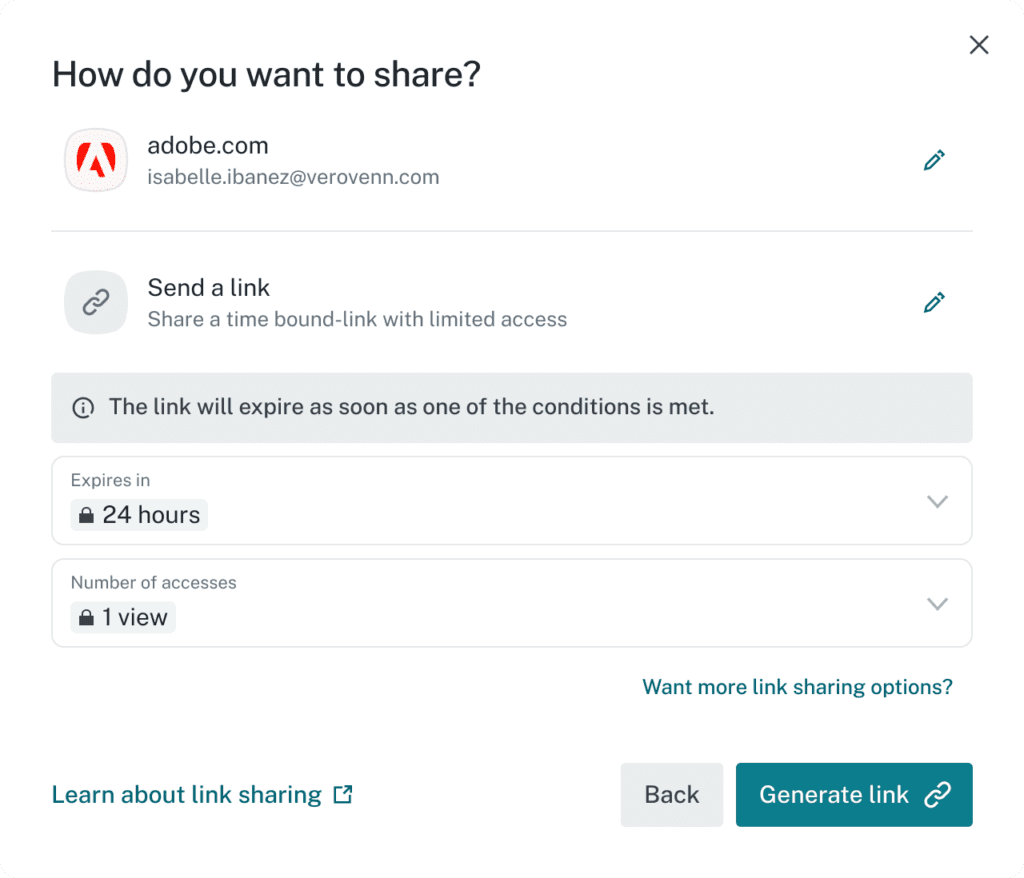
By removing friction from secure sharing, this feature helps eliminate risky “shadow sharing” practices like sending passwords through email or chat tools, while still preserving Dashlane’s zero-knowledge security model.
This update will also be available for personal plan users in the coming months.
Activity logs that fit seamlessly into your workflows
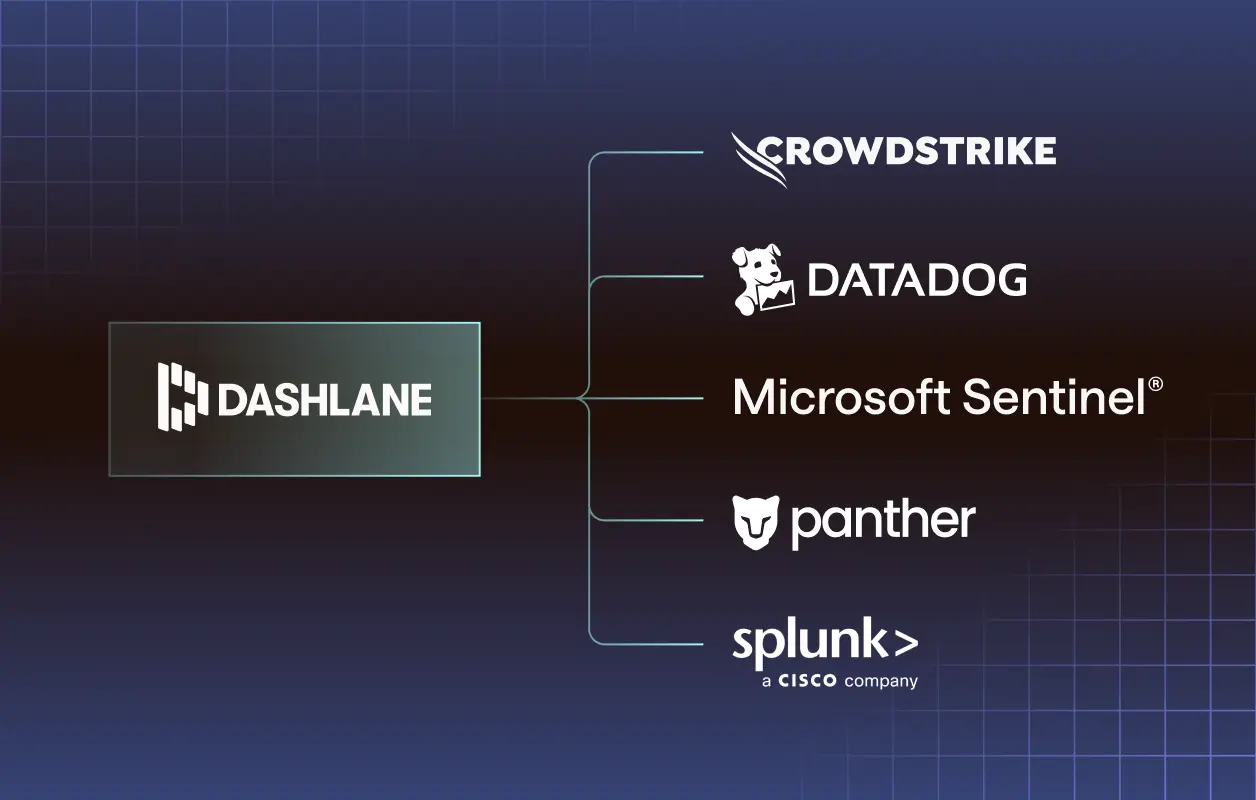
Dashlane activity logs are now fully mapped to the Open Cybersecurity Schema Framework (OCSF).
Standardized OCSF data allows security tools to immediately ingest and analyze Dashlane logs. This accelerates your organization's ability to build custom rules, reports, and dashboards in your familiar security environment.
For organizations and individuals
Simpler collection management at scale
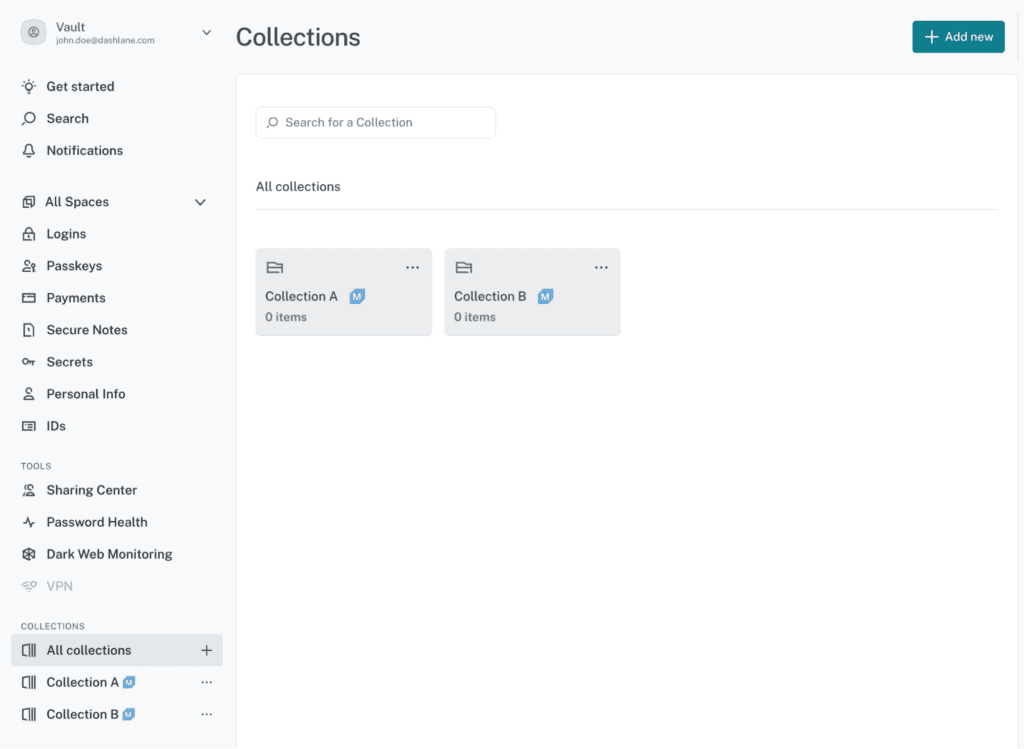
Managing a large number of credential collections is now simpler and more streamlined. A new, dedicated collections list page provides a full-width view of every collection a user owns or can access, removing reliance on the sidebar.
The page includes real-time search for instant filtering and a quick actions menu that allows users to share, edit, or delete directly from the list. These changes reduce the time and effort required to locate and manage collections, while still preserving the sidebar for users who prefer their existing workflow.
Intentional autofill that works the way you expect
Autofill on the web is now more precise and intentional. Instead of filling an entire form based on a single click, Dashlane now fills only the fields directly related to the selected item.
For example, filling a name will populate name fields, but address details are filled only when the user explicitly selects an address item. This gradual approach reduces incorrect autofills and lowers the need for manual corrections, all while improving overall security.
A faster, smoother start on Android
Switching to Dashlane on Android is now faster and more seamless. Support for the secure vault exchange protocol allows new users to securely import all their credentials from another password manager in one smooth step.
This removes a common onboarding barrier and ensures users can start with a complete vault immediately after account creation, rather than rebuilding credentials over time.
Security transparency that’s easier to navigate
Dashlane’s security principles and technical architecture documentation has been added to our Help Center in easy-to-navigate sections for quick comprehension. Readers can review the entire document or jump directly to the sections most relevant to them.
In addition, each section includes a concise summary, helping IT and security professionals in particular quickly understand how Dashlane’s architecture secures their organizations’ data.
Sign up to receive news and updates about Dashlane