[June 2026] What’s New at Dashlane: Omnix® AI Advisor Beta, Multi-Organization Reporting, and More


In this monthly roundup of our latest product updates, check out how we delivered more value to organizations in June 2026.
AI Advisor now in beta: Instant answers, total privacy
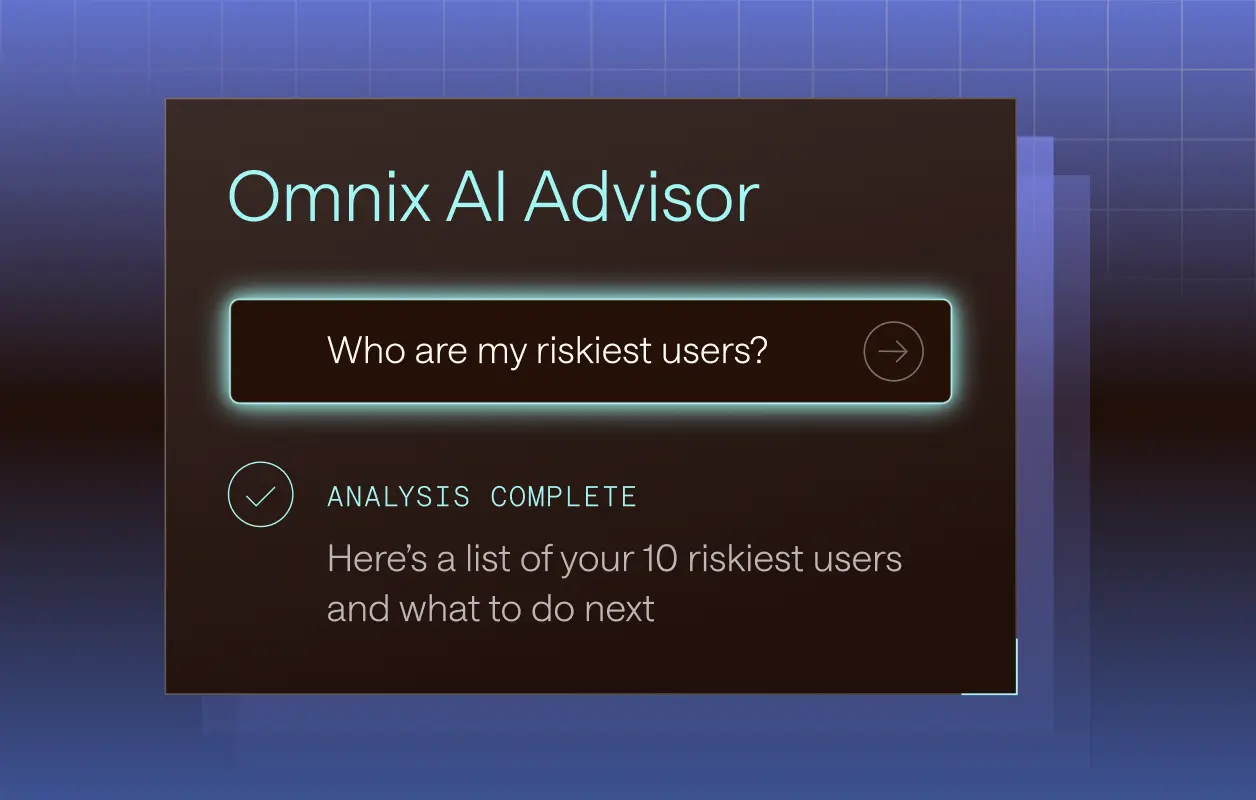
Omnix® AI Advisor is the industry's first natural-language AI credential security assistant built on zero-knowledge principles, and it's now available in beta for all Credential Protection customers.
Instead of navigating dashboards or exporting logs, admins can simply ask: Who are my riskiest users right now? Which sites have the most compromised passwords? What should I prioritize this week?
AI Advisor draws on the live credential telemetry Omnix already captures across every employee login in the browser and returns plain-language answers in seconds, along with clear recommended next steps.
Privacy is guaranteed by architecture, not policy. AI Advisor runs inside the Dashlane Confidential AI Engine. Audit log data enters cloud secure enclaves in encrypted form only. It’s never exposed to the underlying infrastructure, never accessible to Dashlane, and never used to train models.
AI Advisor is included as part of Dashlane’s Credential Protection plan at no additional cost. General availability is planned for fall 2026.
Multi-organization reporting in private beta
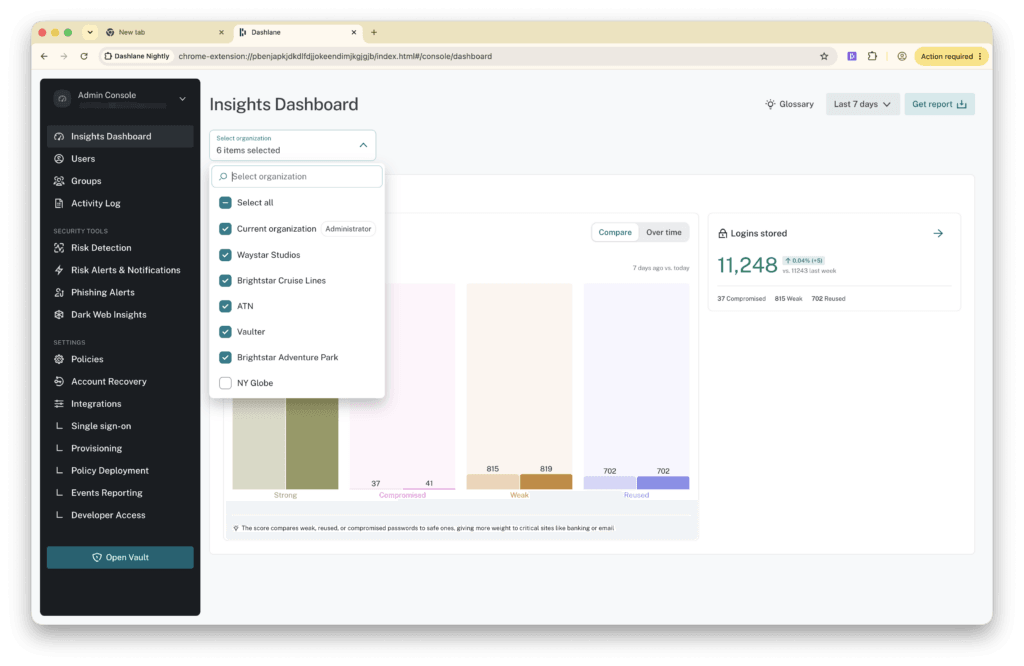
Admins responsible for managing multiple Dashlane teams can now view all of their users and see an aggregated vault health dashboard across organizations, all without leaving the Admin Console.
Built directly into Dashlane, multi-organization reporting is self-service and plug-and-play, so admins don’t need to worry about IT permission requests or custom scripts.
To get started, each child organization creates a CLI key and shares it with the parent organization. The parent organization names each child organization and pastes in the corresponding key. From there, admins can filter the Users page and Insights Dashboard by one, several, or all of their organizations at once.
This feature is currently in private beta. Contact your Customer Success Manager or reach out to integration-feedback@dashlane.com to get access.
Simpler KeePass migrations, cleaner vaults
Migrating from KeePass just got simpler.
Until now, moving KeePass credentials into Dashlane required three steps:
- Export your data as an XML file
- Run a local conversion script to reformat it
- Import the result
To streamline this process, we’ve removed the middle step. You can now upload your KeePass XML export directly in the Dashlane browser extension and complete the migration in a single guided flow. No local tooling or reformatting.
What's supported: KeePass v1 and v2 XML exports and credentials, including TOTP. Encrypted .kdbx files aren't supported. You'll need to export to plaintext XML from within KeePass first.
Sign up to receive news and updates about Dashlane